Work Based Placement Salford city games
For this assignment, I was told to conduct a 70-hour blog about my work experience. I chose to apply for a job with Salford city games where I will help with there latest project "Friction". My work experience with Salford city games has been amazing and I cant wait to see where this company goes in the future.
For my experience, I was told to help work on the companies upcoming roller ball game Friction.
Friction is a game where the player must collect all the coins in the arena in the quickest time possible. The player must use their arrow keys to move around walls and obstacles in order to collect the coins.
Week 1 31st July 2019
 For my first day at Salford city games, I had to create the games first level for this I had simply created a scene in unity and created a plane with a sphere in the middle.


Thursday 1st August 2019
My 2nd day during my work experience I was given the tasks of creating the script of the coin that the player would be collecting, This meaning I had to go back to the player controller I created yesterday and add a few more lines of code about the two objects colliding, As well as adding the collision code I also had to create a script so that the coin would rotate


When creating the UI I wasn't sure where to start I knew I needed a 2d canvas text however when it came to linking the UI with the game I wasn't sure where to start however after a few hours and a little help from google I was able to write a piece of code in the player controller that would trigger the coins +1 and a winning text whenever the player had collected all the coins.




For my experience, I was told to help work on the companies upcoming roller ball game Friction.
Friction is a game where the player must collect all the coins in the arena in the quickest time possible. The player must use their arrow keys to move around walls and obstacles in order to collect the coins.
Week 1 31st July 2019


The following script took me a few hours to create as I am not used to coding and I am not used to C#, However after a few hours I had the ball rolling.
Thursday 1st August 2019
My 2nd day during my work experience I was given the tasks of creating the script of the coin that the player would be collecting, This meaning I had to go back to the player controller I created yesterday and add a few more lines of code about the two objects colliding, As well as adding the collision code I also had to create a script so that the coin would rotate


When told to write the rotating script I wasn't sure on where to start since I am not known and fluent with the C# language.
Friday 2nd August 2019
For my next day, I was told to come up with some level design. For this, I opened up paint and did a really rough mind map of some of the themes that the game could be based. The main ones were Forest, Desert, Space, Urban, Fantasy and Dungeon. I then started to create another really rough sketch of how I would want the level to look. This took me a few hours however it was all done by the end of the day.


After creating the levels design I then created duplicates of the rotating coin that I made and scattered them around the map,
After this, I hit play to give the level ago and was able to collect all of the coins. The only thing that was missing was the UI that would tell the player how many coins they had created.

Monday 5th August
On my next day, I started to create a basic UI for the game, This UI would tell the player how many coins they had collected. The UI would also congratulate the play whenever they had collected the final coin.
When creating the UI I wasn't sure where to start I knew I needed a 2d canvas text however when it came to linking the UI with the game I wasn't sure where to start however after a few hours and a little help from google I was able to write a piece of code in the player controller that would trigger the coins +1 and a winning text whenever the player had collected all the coins.

After making a basic counter and win UI I then thought what else does the UI need, I went back to the UI of the game and thought how can I make this more competitive. I decided I would add a timer to the game.
The timer would start when the player starts the game and the player then has to collect all the coins as fast as possible. A timer in the game also adds the ability for people to play against their friends to see who collected all the coins the fastest.

Tuesday 6th August
For my next day, I created the games main menu. I had never created the main menu for a game before today. I didn't know where to start and since I am not that good with C# I didn't know how to code the script. I then realized I needed a new scene and that this new scene needed a canvas with some buttons, one button to start and another button to quit the game.
I then opened up a fresh main menu script and within a few hours and a little help from google, I had created a fully working main menu for the game. If I were to do anything extra it would be to add a settings button however I am not too sure on how to start that.

For the final day of my first week, I decided to give myself a little task of compiling all of the items in the hierarchy to make the hierarchy look more neat and tidy. This wasn't a big task but since I had created all the major scripts I decided I should work on some of the documentation for the game for the rest of my day.
Week 2 7th August 2019

For my second week at Salford city games, This was the week where it was time to texture everything and find the assets I couldn't create to make the theme of the game.
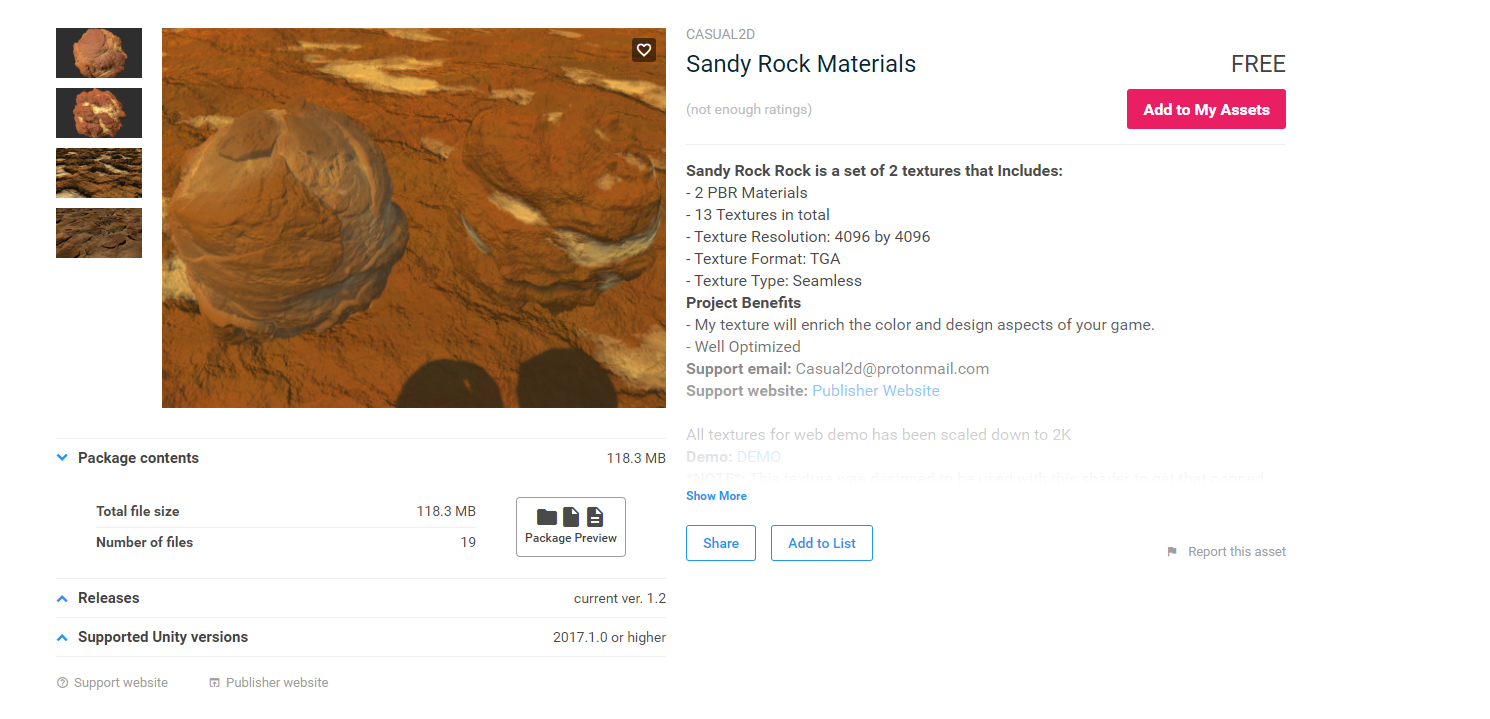
It was time to find a deserty texture, The first thing I did was look at games that had a desert level, Games like Super Mario or sonic adventures. Some of the best games of my childhood that had some of the best level designs. I then went to the asset store and looked for a free desert texture, I found a nice one called Sandy rock material.

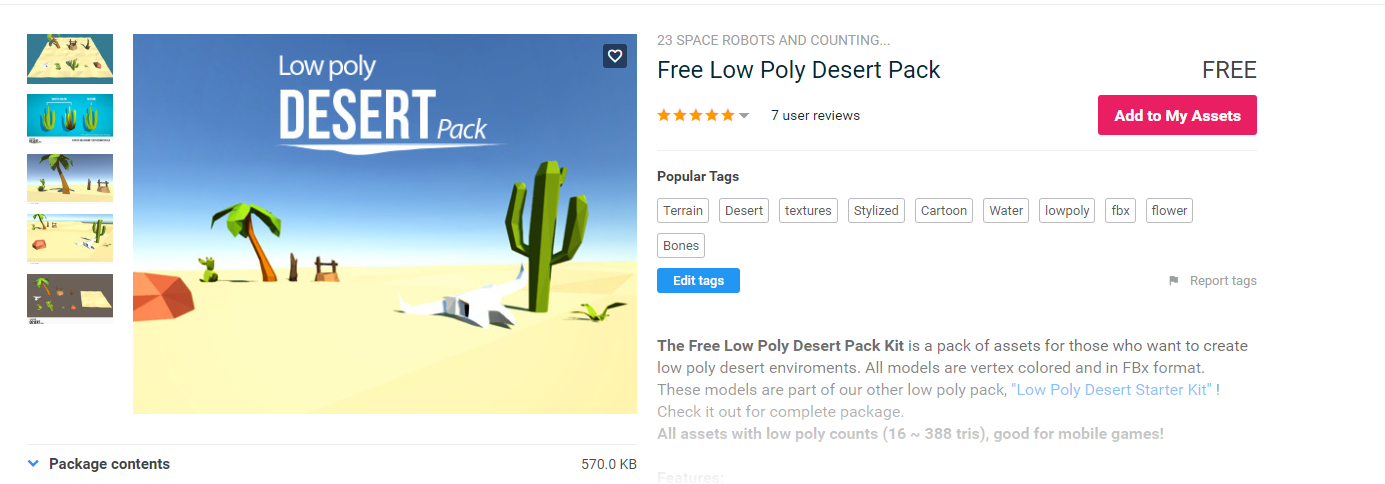
My next day was to find some objects that would surround the game, Some cacti for example. I then went back to my search of the asset store and found a free pack of all sorts of desert objects. The pack was called free low poly desert pack.

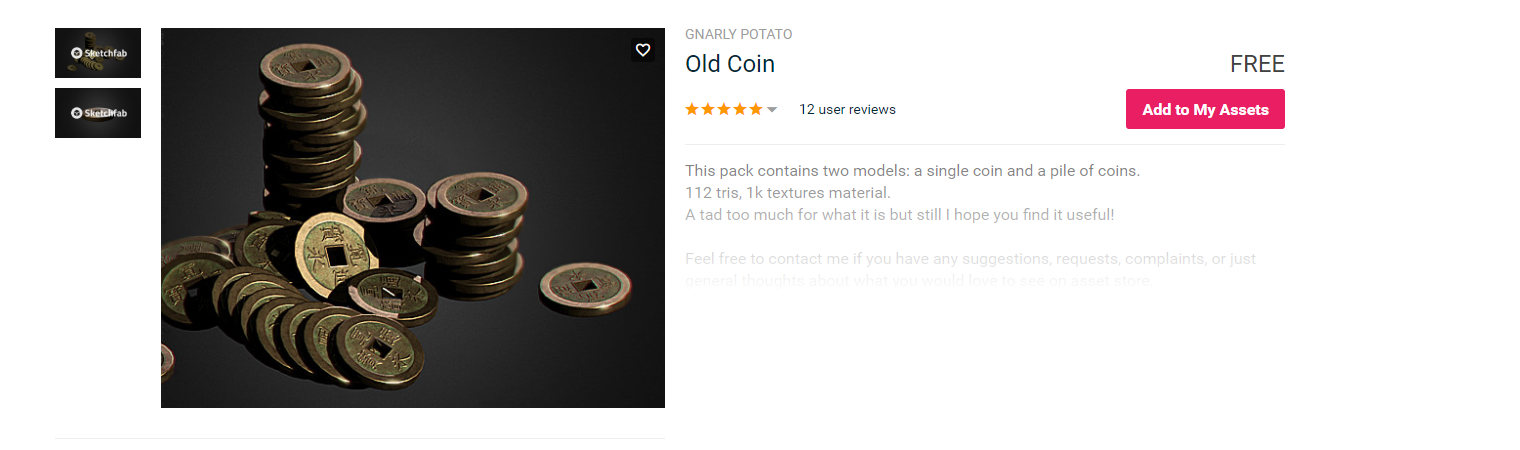
After finding the textures and objects I then looked for a texture for the coin. I found a nice one straight away called old Japanese coin I thought it would suit the level as the coins could have been buried in the desert.
After finding all the textures for the game I then looked for music for the game.
The game would need a nice calm and soothing desert tune. I googled royalty-free desert game music and the first page I clicked on was the one that would be perfect for the game. The website I got the song from was https://www.free-stock-music.com and the song was called desert dance.
After finding the music I then looked for a pick-up sound for when the player picks up a coin. I googled royalty-free game sound effects, The first page took me to https://freesound.org/people/ProjectsU012/sounds/341695/ and the coin pick up sound was the perfect one that I needed.
After adding the music and sound effect to the game I was ready to build the game. The game was a pretty small file to what I think it was going to be
Comments
Post a Comment